If your administrator enabled this option, you can register in CloudStream yourself.
-
Open the CloudStream Web UI address provided by your administrator.
-
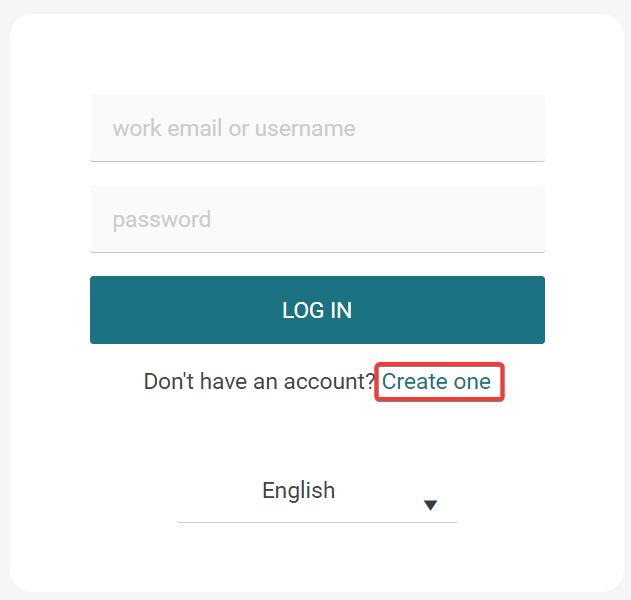
On the login page, click Create one.
-
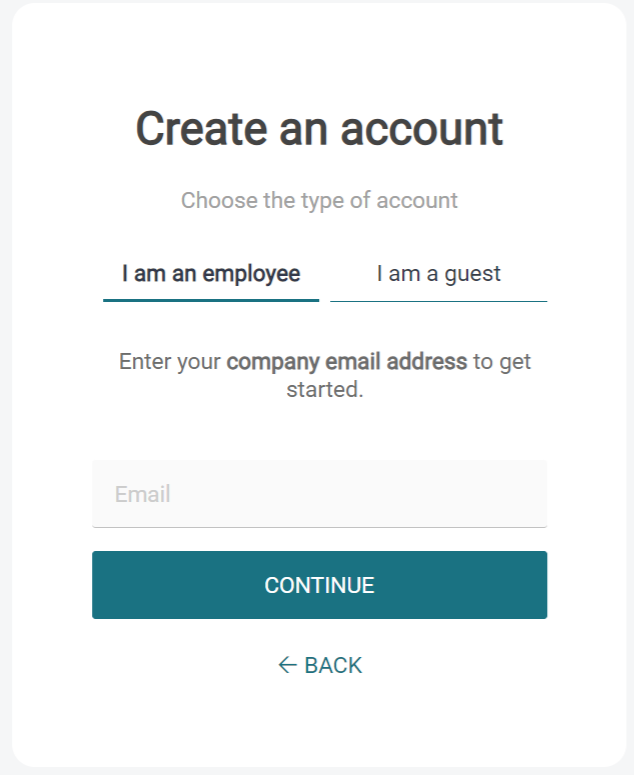
On the following screen (Create an account), enter your company email address. If the screen has two tabs, enter your email address on the I am an employee tab.
-
Click Continue.
-
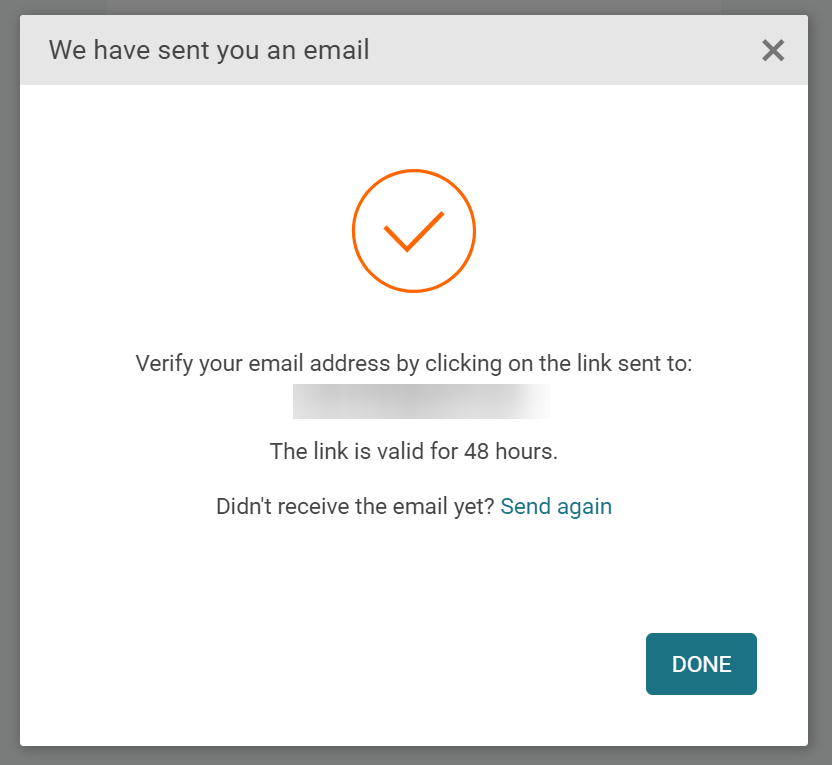
You will receive an email with the verification link. If the email doesn't arrive, click Send again.
-
In the activation email, click Activate your account.
-
On the Set password screen, enter your new password for CloudStream.
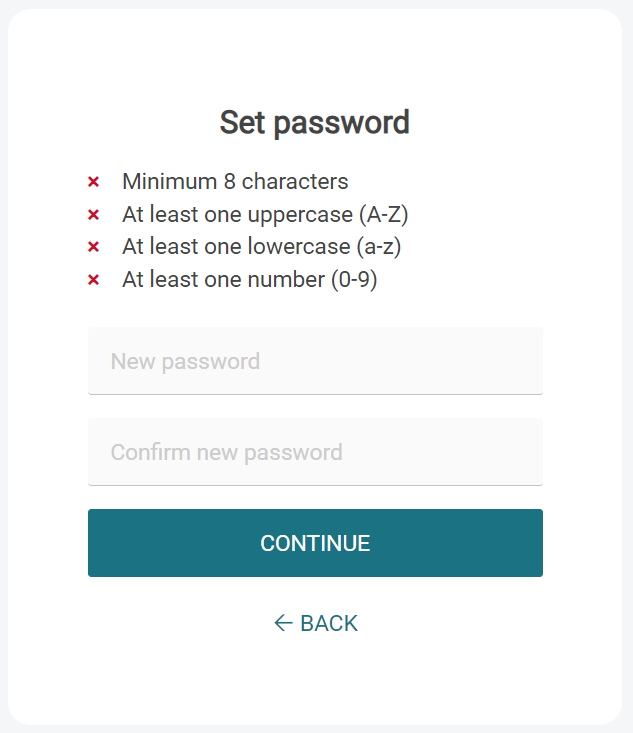
-
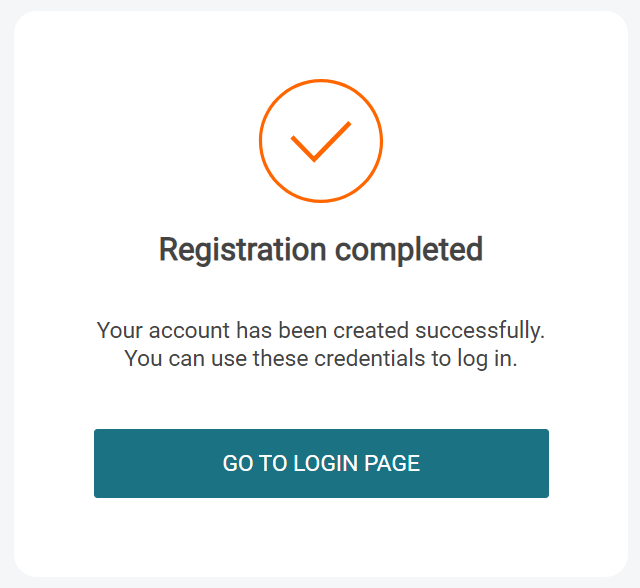
You will see a message that your registration is completed. If you wish to log in to CloudStream, click Go to login page.